Conversations first.
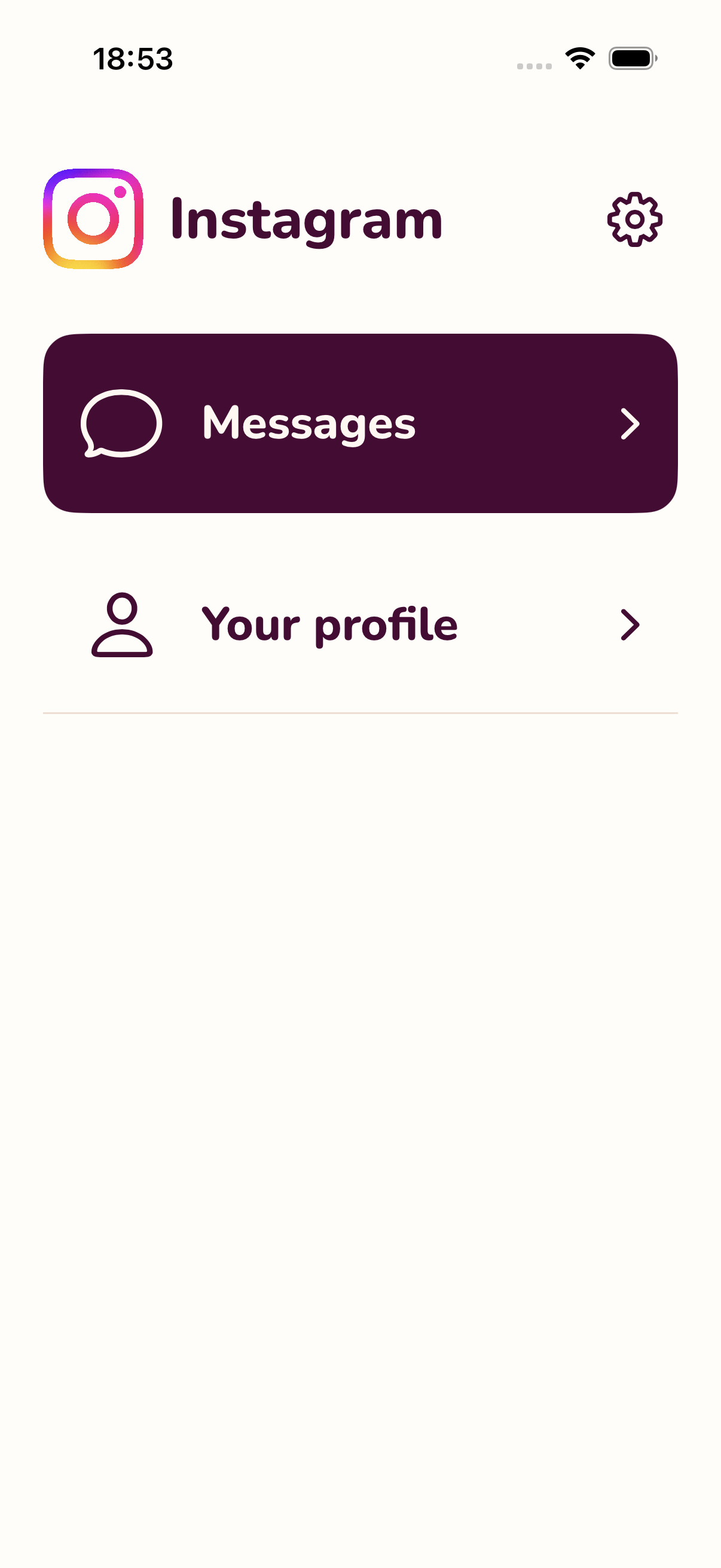
Returning launches start in Messages after setup. Your people get the front door.
 feedskip
A little room for what matters
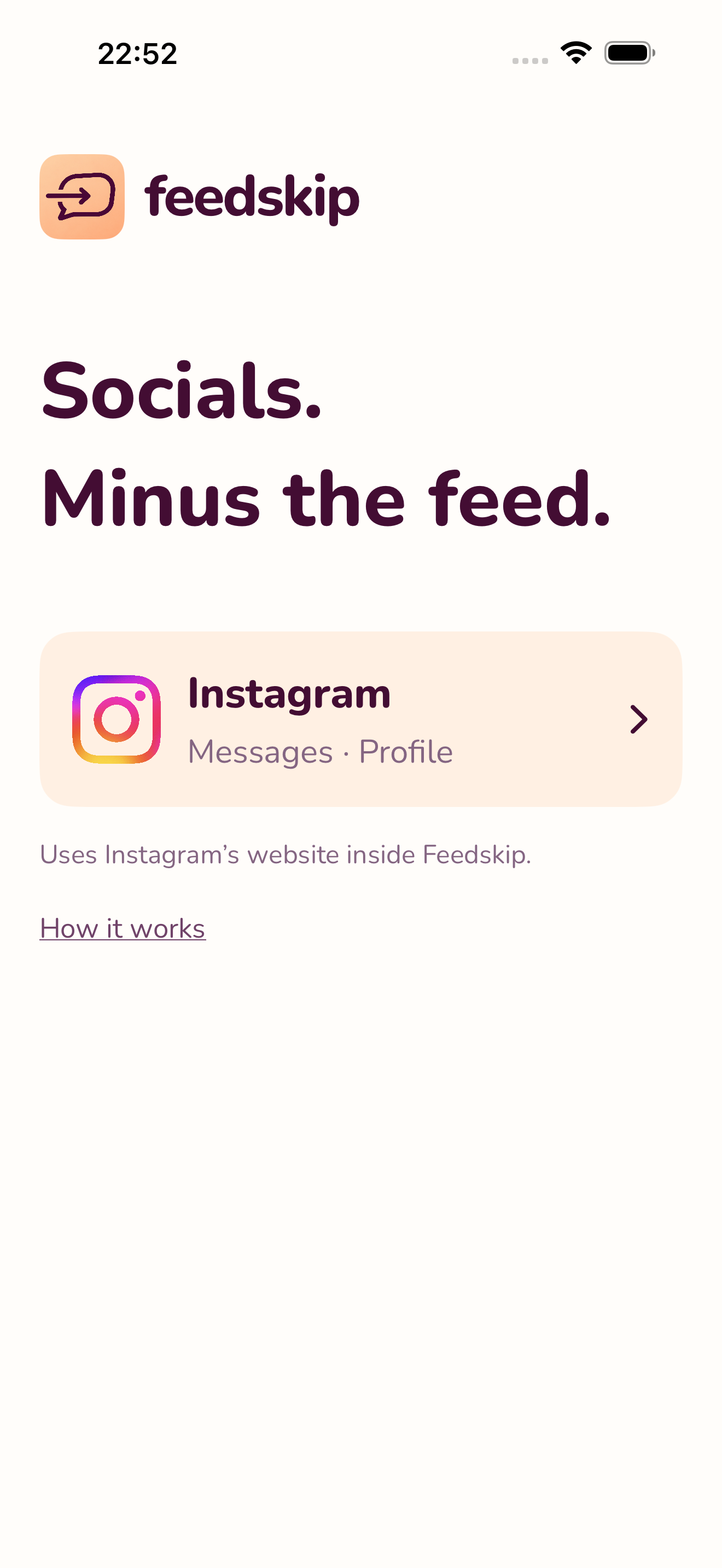
Your Instagram messages and your profile.
Without starting in the endless scroll.
For iPhone · Private beta · Made by MFX Tech
Less friction. Fewer detours.
You don’t have to leave everyone behind to make a little space. Start with the part you came for.
The actual app. A calmer way in.
A boundary. Not a lecture.
Some days you want a quick reply. Some days you need your profile, too. Keep the controls close and the guilt out of it.
Explore the controlsReturning launches start in Messages after setup. Your people get the front door.
Pick your available sections and conversation layout. Chosen profiles and shared media stay within your selected scope.
Use optional Screen Time permission to shield the installed Instagram app. You choose the app. You can turn it off.
 Independent software.
The people behind the little arrow
Feedskip is made by MFX TECH SRL, an independent software company in Romania, founded by Flavius Munteanu.
We build and operate products of our own. Feedskip is our take on a simple question: what if staying in touch came with fewer distractions?
Meet MFX TechThe useful details
No. Feedskip gives you focused access to Instagram’s own website. Use your existing Instagram account. You don’t create a separate Feedskip account.
Yes. Messages and your own profile are the two main destinations. The available profiles, pages and shared media depend on your access settings. Instagram’s website controls which messaging features are available.
Feedskip does not deliver Instagram message notifications in this build. Keep Instagram’s own alerts enabled if you need them. Those alerts are separate and may open the original Instagram app.
You sign in on instagram.com inside the app. Your website session stays on your iPhone; Feedskip does not upload your password or session to a Feedskip server. Instagram processes what you send through its website under its own policies.
No. The Screen Time shield is optional. It needs your permission and your selection of the installed Instagram app, and you can disable it in Feedskip’s settings.
We’re currently testing privately on iPhone. Public App Store and beta links are not available yet. The current beta is free, with no payment or subscription required. Public pricing has not been announced.
A different way to open Instagram
Feedskip for iPhone. A little more intentional, a little more you.
Public downloads are on the way.
We’re testing privately right now.